
-
マルチメディア
-
データ復旧ツール
-
無料AIツール
-
無料ツール
-
サポート
-


To continue using our service to get the video/audio you want, please use the desktop version.
 Desktop Version
To continue enjoying video/audio offline, please use the pro service. Special offer only for today.
ProTo continue using our service to get the video/audio you want, please use the desktop version.
Desktop Version
 100% Online for Free
 High-Quality Output
 Works on Any Device or Browser
You can use this tool to download videos from websites such as YouTube, TikTok, Facebook, and Instagram with just a few clicks by copying and pasting the video link. It automatically identifies the video and provides an opportunity to save it in MP4 format, which is one of the most common video formats today.
MP4 videos can be played on virtually any device, including phones, tablets, computers, and televisions. It implies that you can view your saved videos offline without having to use special apps or video players. No one has to sign up or install anything; therefore, the process is fast and simple for all users.
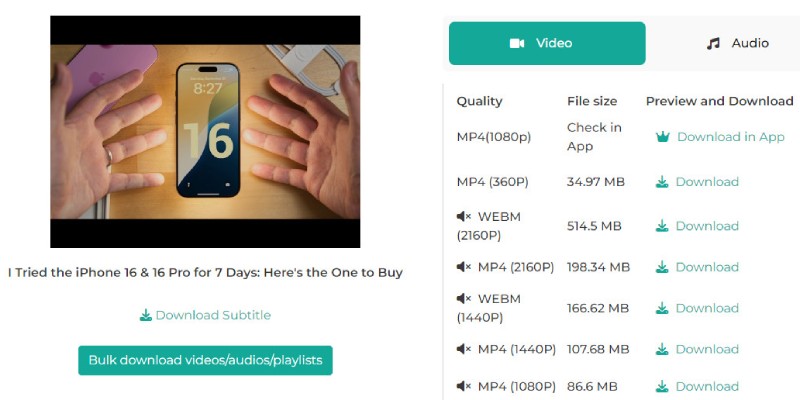
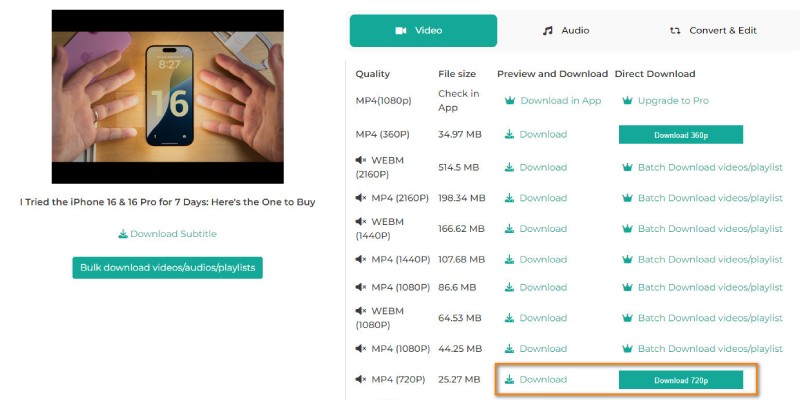
Our free downloader provides the option to select the video quality before saving it. You can choose from different resolutions, including standard definition, high definition, or 4K quality (when available). This is helpful if you need smaller file sizes or want the best viewing experience.
If you are using a mobile device with limited storage, downloading a lower-quality video can save space. On the other hand, if you plan to watch the video on a large screen or need it for a presentation, downloading the highest quality will yield better results.
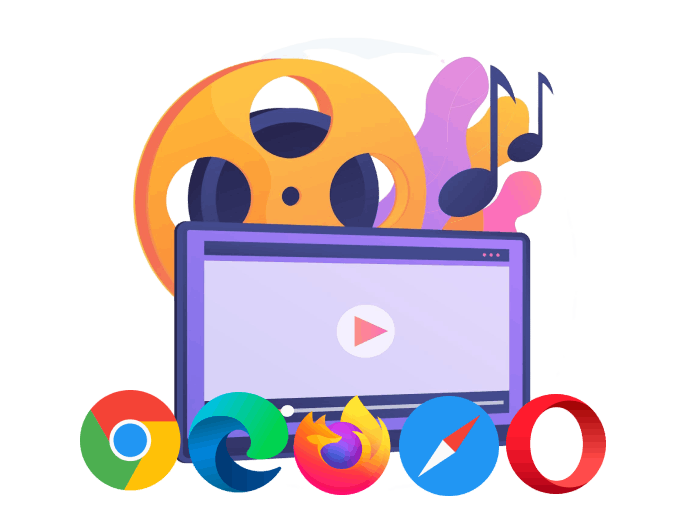
You can use this MP4 downloader on any device that has a web browser. It works smoothly on phones, tablets, laptops, and desktop computers. It also supports all major browsers, including Chrome, Firefox, Safari, and Microsoft Edge.
Since the tool is web-based, you don't need to download an app or extension. Whether you are at home, in school, or traveling, you can open the website and start downloading videos right away. It is simple, fast, and works anywhere you have internet access.

Students often rely on video content for lectures, tutorials, and study materials. This tool enables them to save educational videos in MP4 format for offline access.

People who enjoy saving videos for entertainment, inspiration, or personal archives will find this tool extremely helpful. They can organize their favorite content without relying on online platforms.

Instead of relying on internet access during a live event, they can download the required MP4 files in advance. It helps ensure a smooth experience when presenting videos to clients or teams.
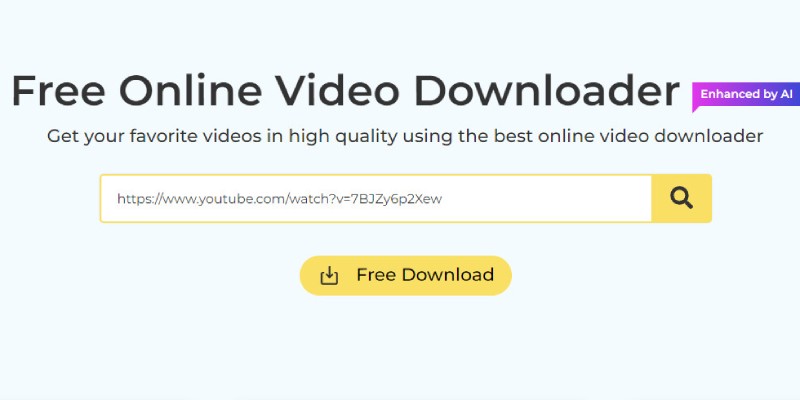
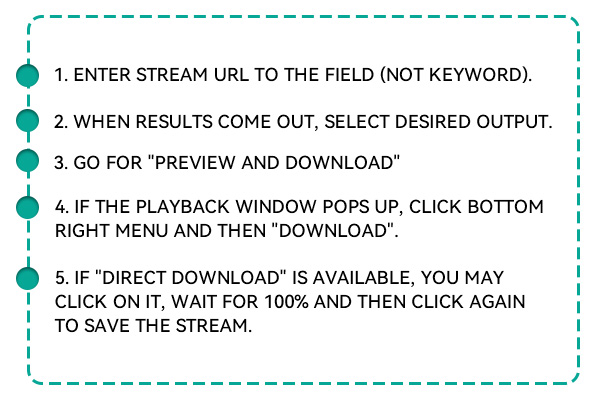
Begin by visiting the website where the video is hosted. This could be YouTube, TikTok, Facebook, Instagram, or any other supported platform. Once the video is open and playing, copy the full URL from your browser's address bar to prepare for download.
Next, visit the Free MP4 Downloader page in a new tab or window. Paste the video link into the box you see on the screen. After pasting, click the "search” key to begin the process. The tool will quickly check the link and show you a list of available download formats and video qualities.
After the tool finishes processing the link, select MP4 and the video quality that suits your needs. Click the final "Download" button, and your video will be saved directly to your device.
No, this tool only supports public videos that are accessible without login. Videos set to private, restricted, or behind a paywall cannot be downloaded. For the best results, always use publicly available video links.
Currently, the tool supports only one video at a time. Playlist or batch downloads are not available in this version. However, you can repeat the process for each video individually without any limits or wait times.
The file name may vary depending on the source and browser being used. Most downloads will either keep the original name or assign a clean version of the title. Still, you can always rename the file manually after downloading.
This tool does not offer trimming or cropping features during the download. It will download the full video as provided by the source platform. If you need to edit the video after downloading, you can use a video editor on your device.
If the download fails, try refreshing the page and re-pasting the video link. Ensure the link is valid and the video remains available online. If the issue continues, check your internet connection or try using a different browser.
How to find reliable casino uden rofus for a safe gambling experience in Denmark.
Pinup Casino
Mostbet Casino
1Win Bet
1xbet Casino



















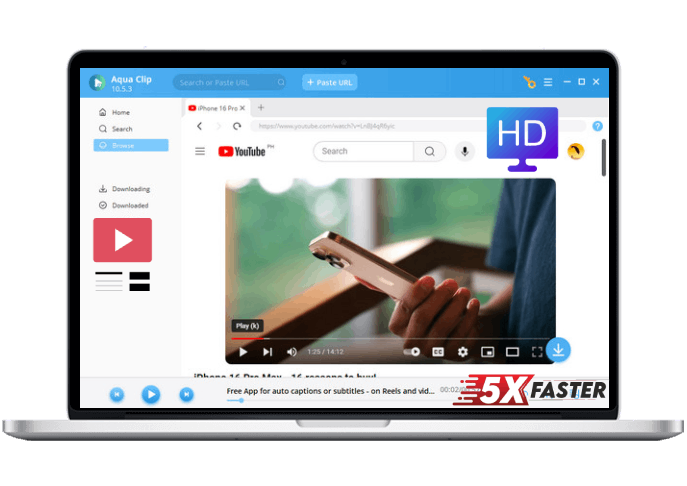
 Aqua Clip
$19.95$9.95$49.95$19.95$69.95$39.95