
-
マルチメディア
-
データ復旧ツール
-
無料AIツール
-
無料ツール
-
サポート
-

 Fast and Easy to Use
 Works on Any Device
 No Signup or Downloads
Our converter supports URLs from a wide range of popular video platforms, including YouTube, Facebook, TikTok, Vimeo, Dailymotion, and more. This wide compatibility ensures that you can extract MP3 audio from almost any video you encounter, regardless of its source. Paste the link, and the tool will handle the rest with ease.
By supporting multiple platforms, the converter provides you with the freedom to gather audio content from diverse sources without needing to switch tools or worry about compatibility issues. Whether it's a viral clip, a favorite music video, or a podcast episode, you can rely on the converter to grab the MP3 audio quickly and reliably.
When you convert a video link, the tool not only extracts the audio but also automatically pulls metadata, such as the title, artist name, and album (when available). This means your downloaded MP3 files are neatly labeled and easy to organize on your device with minimal effort. It saves you time and helps keep your music or audio library well-arranged.
Having proper metadata also improves the playback experience on devices and apps that display song information. Instead of generic file names, you'll see accurate track details, making it easier to find and enjoy your audio files. This automatic tagging is especially useful for music collectors and podcast listeners who value organized libraries.

Privacy is a top priority — the converter processes your requests securely without storing your personal data or download history. Because the service runs entirely online and doesn't require any signup, you can convert videos to MP3 confidently knowing your information stays private and safe.
The tool also avoids any hidden software downloads or intrusive ads that could compromise your device's security. This clean and secure design means you can focus on converting your favorite audio without worrying about malware, data leaks, or unwanted pop-ups. It's a trustworthy solution for all users.

Anyone who loves collecting songs from online videos and wants an easy way to build a personal MP3 library for offline listening.

People who want to save their favorite podcast episodes from video platforms to listen to on the go without needing an internet connection.

Professionals and hobbyists who need to extract audio tracks quickly from videos for use in projects, presentations, or social media content.
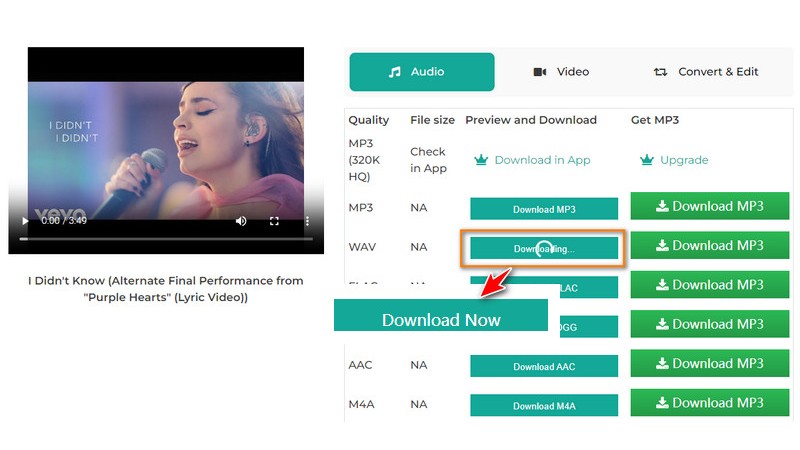
Find the music stream you want to convert on websites like YouTube, TikTok, Facebook, or others. Play the video, then copy the full URL from your browser's address bar. Make sure you copy the entire link to ensure the converter can process it correctly.
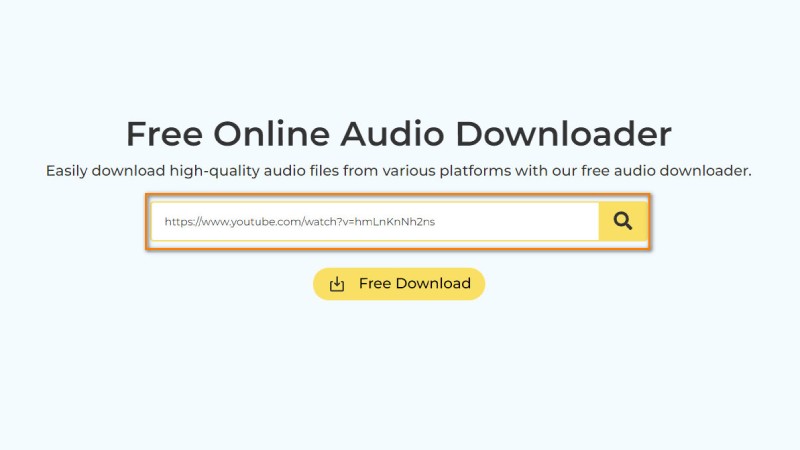
Go to the URL to MP3 Converter page and paste the copied video link into the input box provided. Double-check the link for accuracy, then click the "Search" button to start extracting the audio. The tool will quickly analyze the link and prepare the MP3 file.
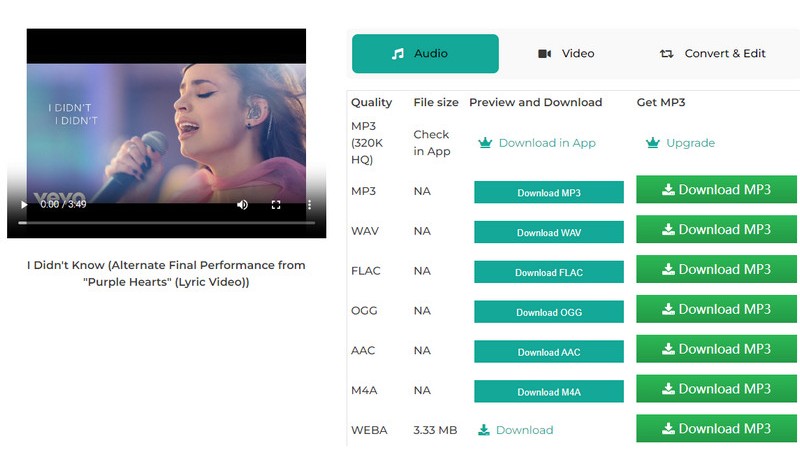
Once the conversion is complete, a "Download" button will appear. Click this button to save the MP3 file to your device. You can now enjoy the audio offline at any time, whether you're using your phone, tablet, or computer.
If the conversion doesn't work, double-check the video URL for accuracy and ensure the video is publicly accessible. Try refreshing the page or using a different browser. If problems persist, your internet connection might be unstable.
Yes, this online tool is compatible with all devices that support a web browser, including smartphones, tablets, laptops, and desktops. You don't need to install any software or apps.
There are no strict limits—feel free to convert as many video links as you want. Since the tool is web-based, you can convert multiple files in succession without waiting or restrictions.
The tool processes all conversions securely online without storing your personal data or download history. It's designed to protect your privacy while delivering fast and reliable results.
Yes! Our URL to MP3 converter is completely free and requires no registration or login. You can convert and download MP3 files instantly without any hassle or signup.
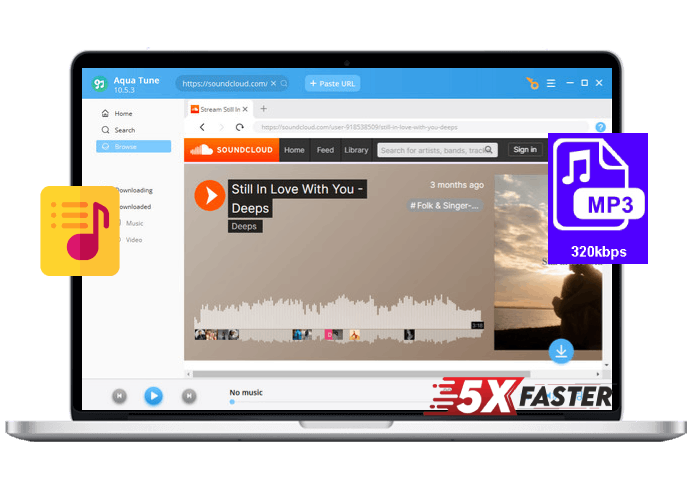
















 Aqua Tune