










グラフィックデザイン案を生成 AIで作成
プロンプトからSNS画像、ポスター、カバー、レイアウト案を生成し、デザインの下書きを効率化します。最終画像はブランド、プラットフォームのサイズ、公開ルールに合わせて調整してください。
ここにファイルをドロップするか、画像またはURLを貼り付け
サンプルを試す

クリエイター向けSNSデザイン
photo_library
SNS担当者
複数のSNSアカウント向けに、ブランドの統一感を保った画像を継続的かつすばやく作成できます。
temp_preferences_custom
インフルエンサー・クリエイター
目を引くSNS画像で個人ブランドを強化し、各プラットフォームでの反応向上に役立てます。
movie
コンテンツマーケター
Creating graphics for blogs, campaigns, and social posts can be time-consuming. AI-powered design tools simplify content production while サポートing marketing goals.
sync
マーケティングチーム
販促から商品発売まで、キャンペーン用画像を効率よく作成し、量が増えても品質と統一感を保ちます。
各プラットフォームに合う画像をデザイン
各プラットフォームとマーケティング用途に合わせ、編集しやすいレイアウトで投稿画像、カバー、ポスター、販促画像を作成します。
shopping_bag
SNS投稿
既製レイアウトとカスタマイズ可能なテンプレートで、Instagram、Facebook、LinkedInなどの画像を作成します。
- check_circle 投稿・カルーセル画像をデザイン
- check_circle ブランドに合う引用・告知投稿を作成
- check_circle SNSコンテンツの統一感を維持
video_library
販促画像
キャンペーン、季節セール、オンライン販促向けのバナー、イベントポスター、マーケティング画像を作成します。
- check_circle 販促バナーをすばやくデザイン
- check_circle シンプルなキャンペーンレイアウトを作成
- check_circle 複数のデザイン案を生成
brush
カバー・サムネイル
分かりやすいレイアウト、読みやすい文字、目を引く画像でSNSカバーやYouTubeサムネイルを作成します。
- check_circle チャンネルカバーとサムネイルをデザイン
- check_circle 文字と画像要素を整理
- check_circle 各プラットフォーム向けに書き出し
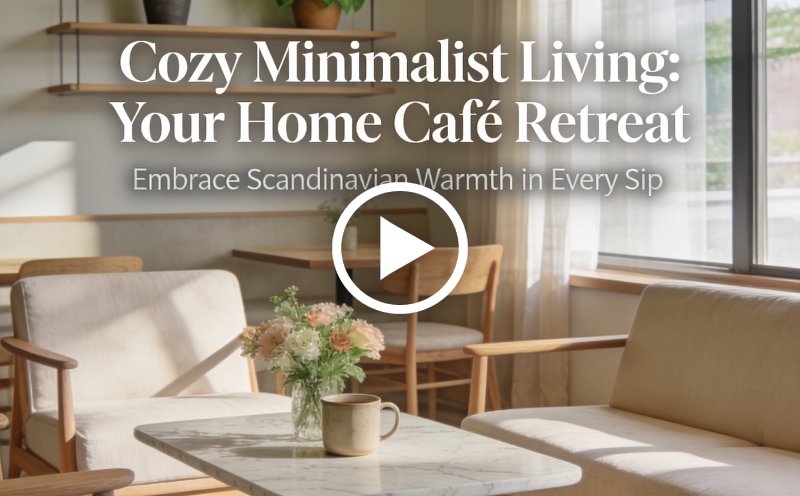
アイデアを広げるデザイン例


3つの手順でAI SNS画像を作成
デザイン経験がなくても、3つの簡単な手順でSNS画像をすばやく作成できます。
-
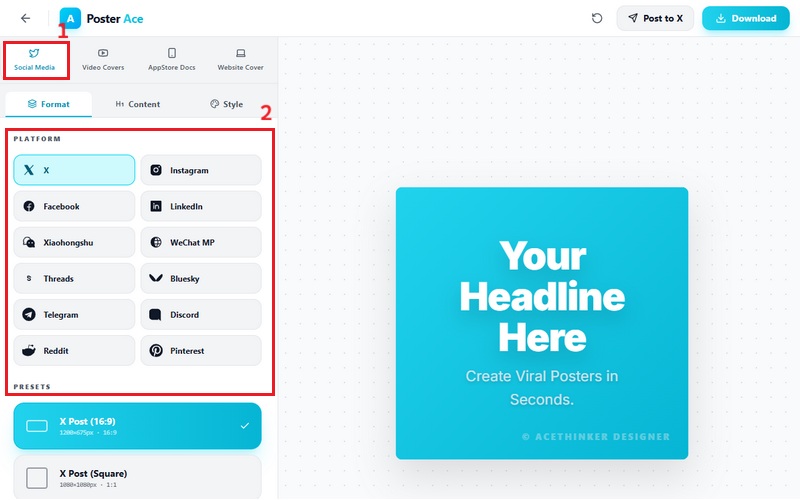
1
SNS形式を選択
Instagram投稿、ストーリー、Facebookバナー、LinkedIn投稿、YouTubeサムネイルなどの形式を選びます。
-
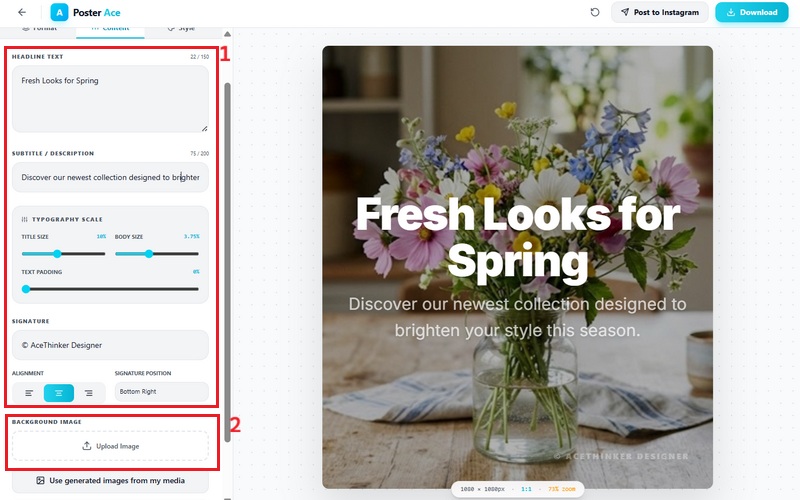
2
画像をデザイン
見出し、サブタイトル、ブランドカラーを追加し、背景画像をアップロードしてSNSデザインを生成します。
-
3
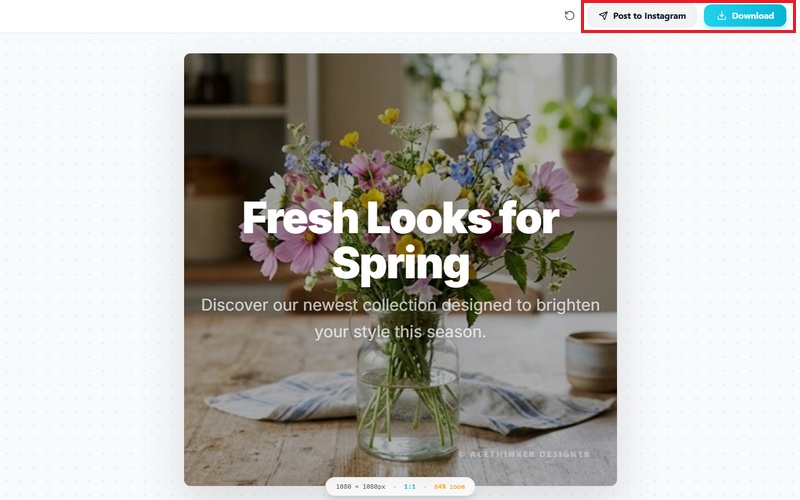
ダウンロードして共有
SNS画像を高画質で保存するか、選択したプラットフォームへ直接公開します。
AI SNS画像ツールが選ばれる理由


bolt
SNSコンテンツを効率よく作成
キャンペーン、販促、予約投稿、ブランドコンテンツ向けに複数のSNS画像をすばやく生成します。
verified_user
プラットフォームに最適化したレイアウト
Poster DesignerでInstagram、Facebook、X/Twitter、YouTube、LinkedInなどに適した画像を作成します。
school
一貫したブランド表現
すべてのSNSで色、文字、視覚的な階層、キャンペーンの雰囲気を統一します。
school
柔軟なAI表現
キャンペーンのスタイル、対象ユーザー、制作方針に応じてNano Banana、HiDream、Seedreamを切り替えます。
よくある質問
プラットフォーム別のSNS画像はどう作成できますか?expand_more
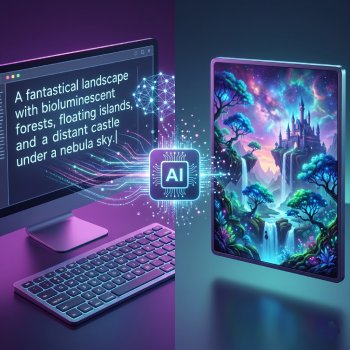
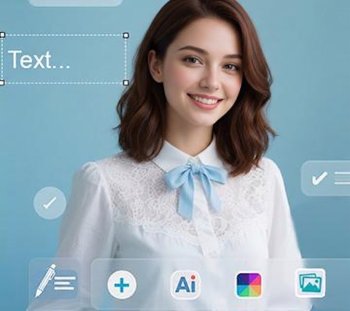
画像は create platform-specific graphics using either the text-to-image workflow or the built-in poster designer. In the text-to-image workflow, you enter a prompt describing the style, subject, and platform format you want, then choose aspect ratios such as 1:1 for Instagram posts, 9:16 for Reels and TikTok, or 16:9 for YouTube thumbnails. On the other hand, the poster designer uses a more template-based workflow. You select a platform first, and the tool automatically adjusts the canvas size. 画像は then upload images, edit headlines and subtitles, reposition elements, and export the finished design without manually resizing the layout.
AIでブランドに統一感のある画像を生成できますか?expand_more
Yes. 画像は use the text-to-image workflow to generate visuals for a specific product while maintaining a consistent style, color palette, lighting, and composition across multiple images. After generating the image, you can use the poster designer to create a more consistent layout, using the generated image as the base for your poster. The poster designer lets you reuse the same layout while editing headlines, subtitles, and other text elements across different campaigns or social posts. This workflow helps maintain a more uniform visual style across multiple graphics without manually rebuilding each design.
What formats and aspect ratios are サポートed for social media posts?expand_more
The text-to-image workflow サポートs aspect ratios such as 1:1 for Instagram posts, 9:16 for Instagram Reels, TikTok, Stories, and Shorts, and 16:9 for YouTube thumbnails and widescreen content. Generated visuals can typically be exported as PNG or JPG files. The poster designer also サポートs platform-based layouts for social media graphics. When selecting a platform format, the canvas automatically adjusts to the appropriate dimensions, reducing the need for manual resizing or cropping before publishing. These layouts are commonly used across platforms such as Instagram, Facebook, TikTok, YouTube, LinkedIn, Pinterest, and X/Twitter.
AI生成デザインの文字、色、レイアウトを変更できますか?expand_more
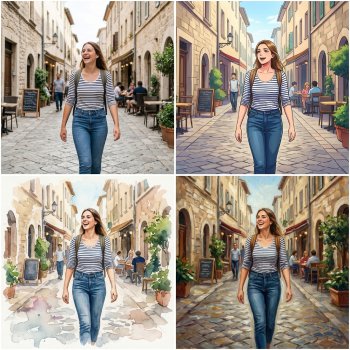
Yes. In the text-to-image workflow, customization is handled directly through the prompt. 画像は define color palettes, typography styles, layout composition, lighting, spacing, branding elements, and visual hierarchy before generating the image. For example, you can request a minimal black-and-white Instagram poster, a bold neon typography layout with centered product focus, or a luxury gold branding style with cinematic lighting.
How does this tool speed up コンテンツ制作 compared to manual design?expand_more
The tool speeds up コンテンツ制作 by combining text-to-image generation, photo filters, and a poster designer into a single workflow. Instead of manually creating layouts and resizing designs for each platform, you can generate a visual from a prompt, enhance it with filters, and refine it using structured templates. Additionally, the text-to-image feature quickly generates one image per prompt for rapid concept creation, while photo filters enable instant visual adjustments without external editing tools. The poster designer then helps turn these visuals into platform-ready layouts by automatically adjusting sizes and organizing text and image placement.


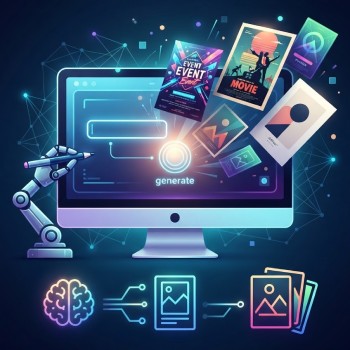
SNS画像を今すぐデザイン
AI生成ツールとPoster Designerで、SNS画像、YouTubeサムネイル、ブランドキャンペーン画像、販促バナー、投稿画像を作成します。
インストール不要・すぐに利用可能